For this, you need to go to the Campaigns tab -> Select the campaign you want to modify -> Go to the category ‘General’.
At the top bar, you can change the name of your campaign. Do not forget to click on the 'Save' button at the bottom of the page.
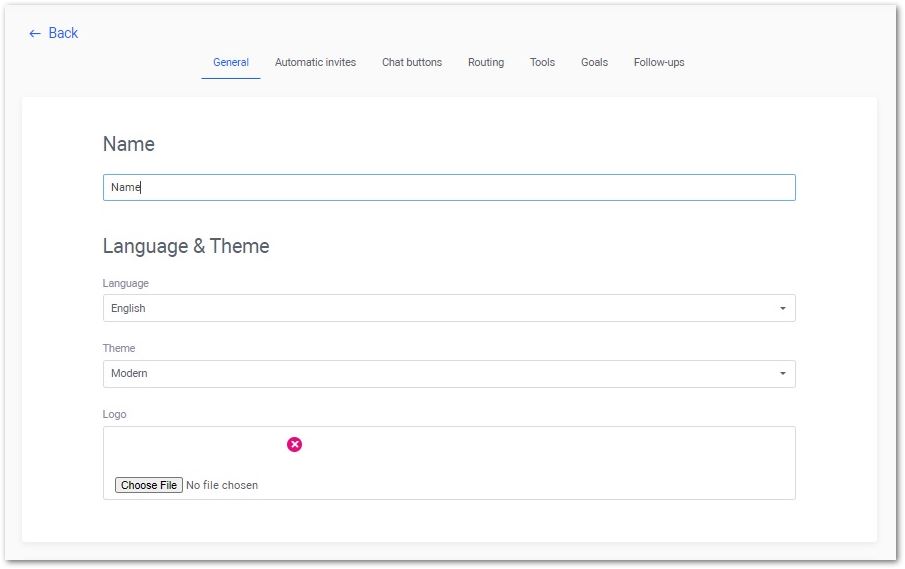
For this, you need to go to the Campaigns tab -> Select the campaign you want to modify -> Go to the category ‘General’.
At the top bar, you can change the name of your campaign. Do not forget to click on the 'Save' button at the bottom of the page.